

Lukukupla
👥 Target audience (To whom?)
- People learning the basics of reading and writing skills and requiring support
- Additional training for those already familiar with the basics
- For those that require extra practice
- Teachers needing a support tool to assist in teaching
✨ Main features
- Scientifically proven learning support
- Learning content that adapts to player skill
- Tireless and encouraging practice partner
- Captivating and motivating gamified environment
- Highly customizable player avatar
- Several different game worlds
- Collect pets and earn reward gems
- Tools to monitor game progress for adults
- Easy to use: suitable for independent training
- Can be played fully offline or logged in with a user account
- Logging in facilitates playing on several devices

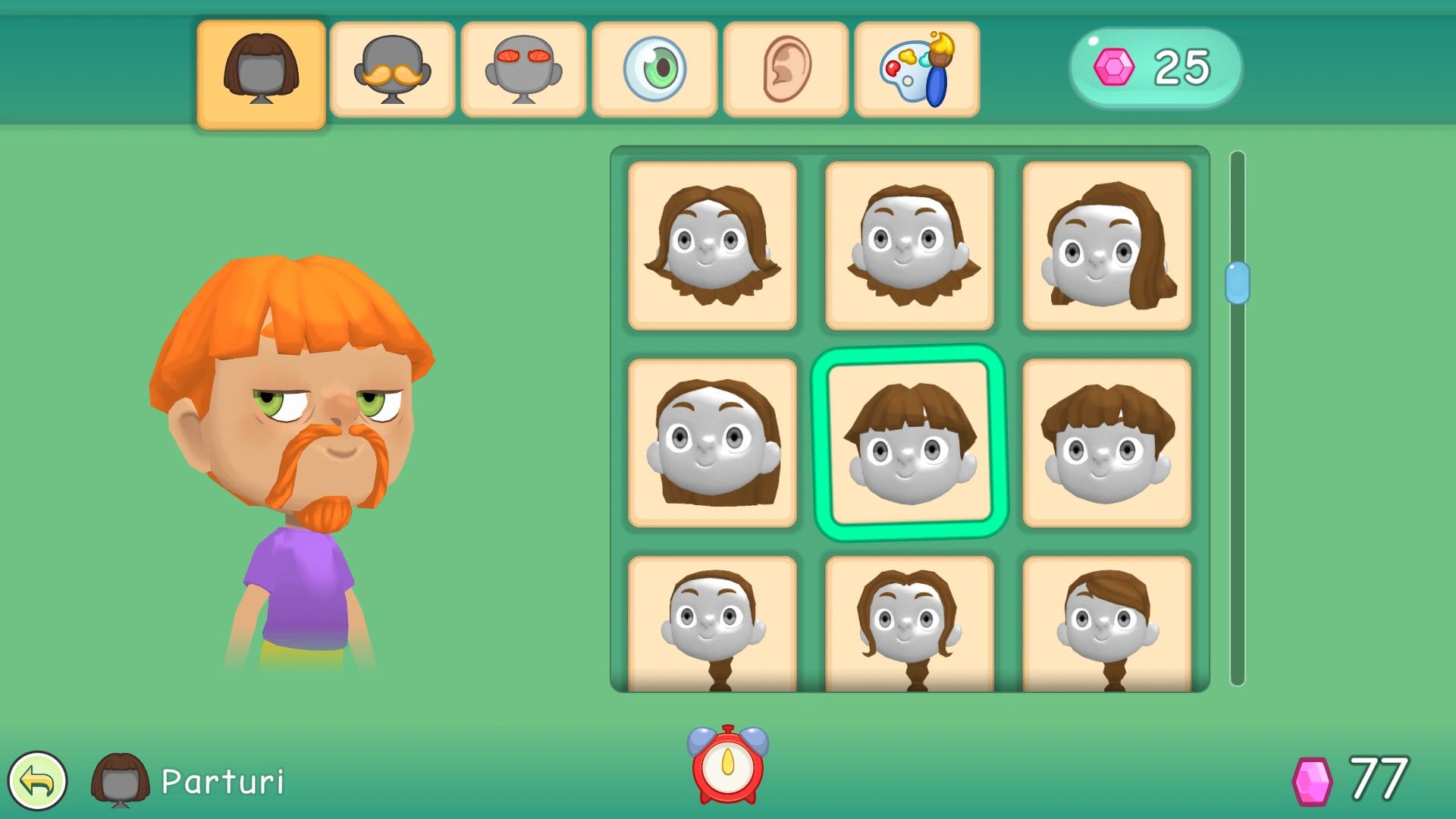
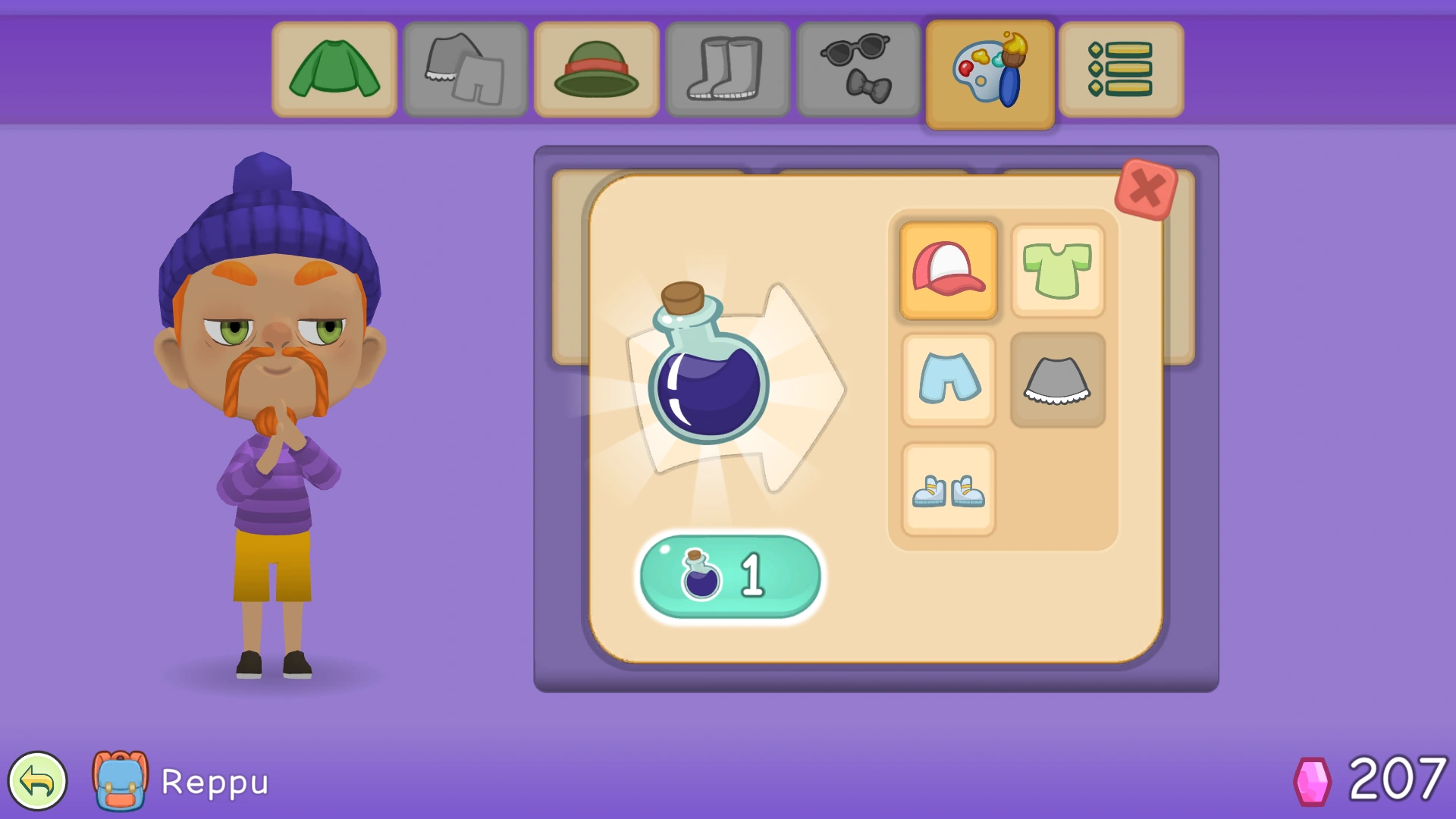
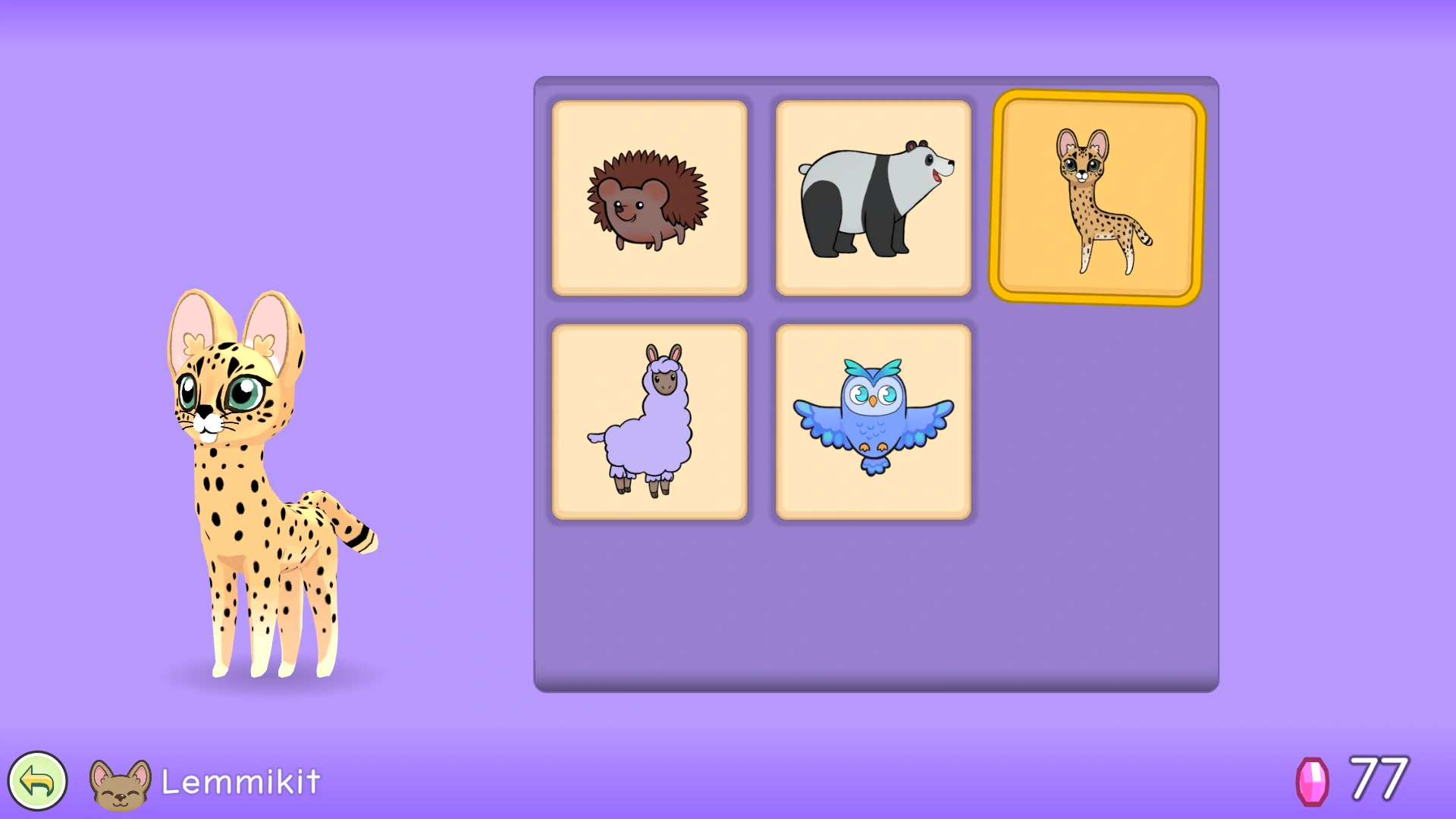
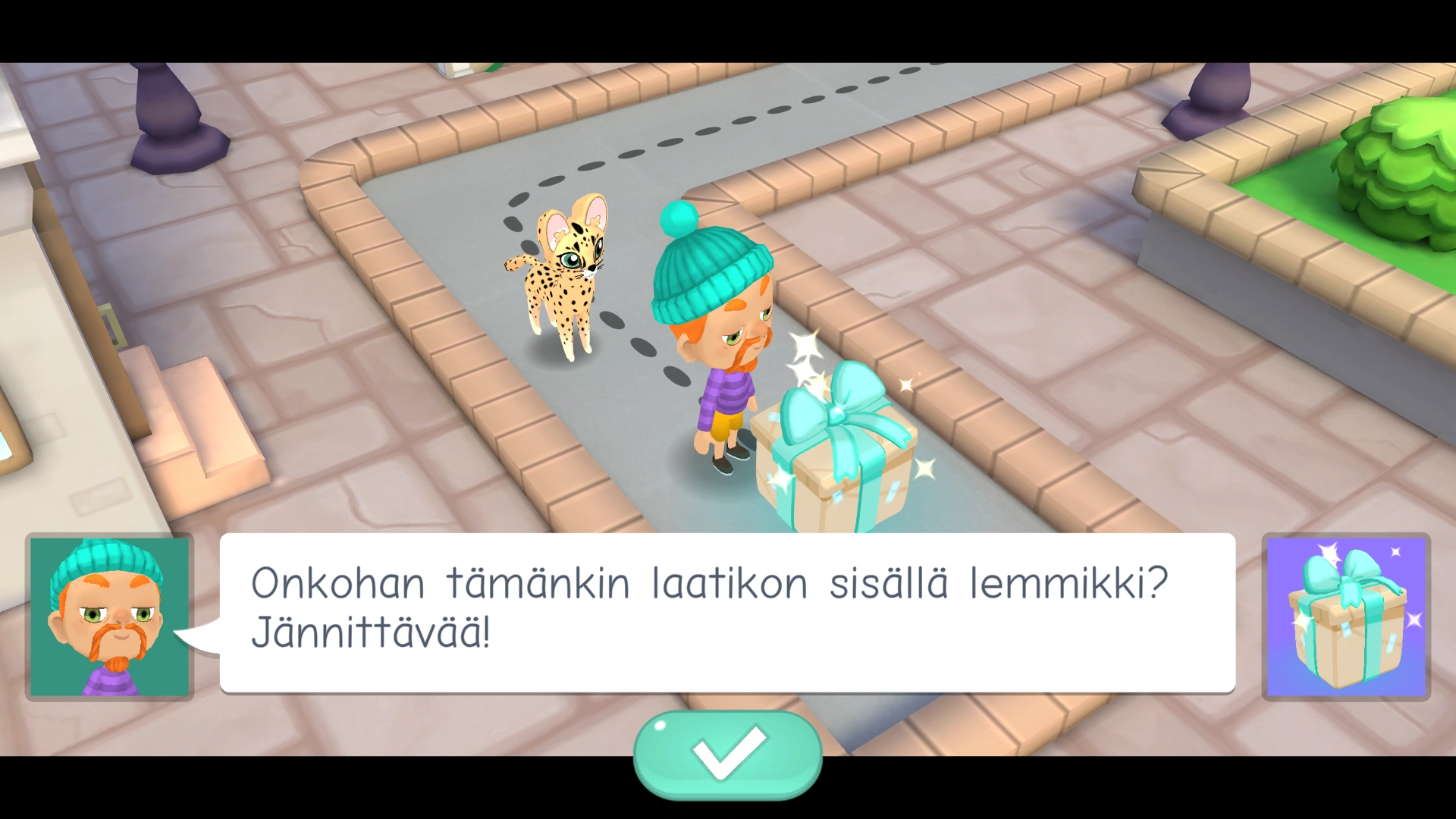


🖼️ Pictures from Lukukupla


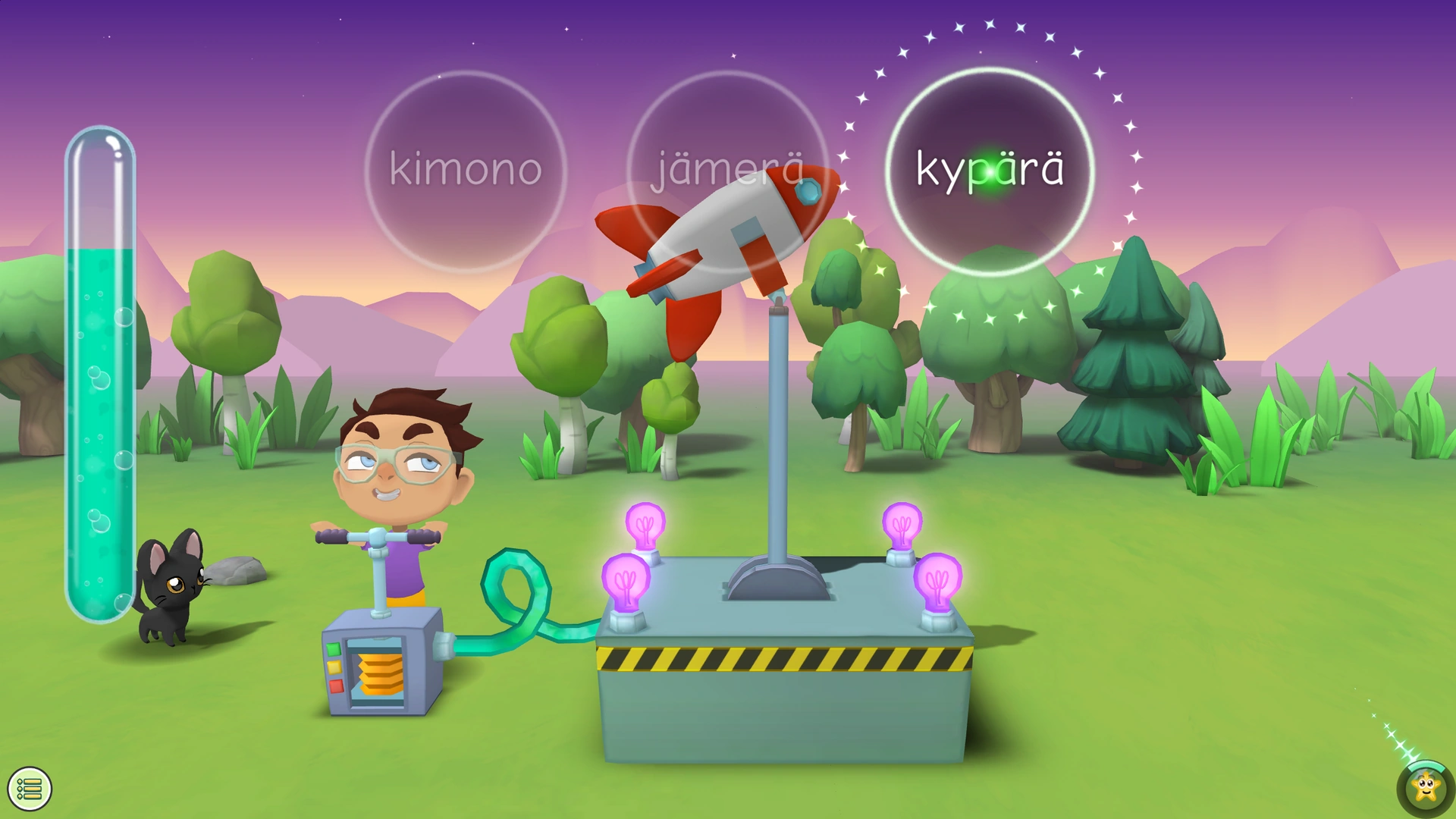
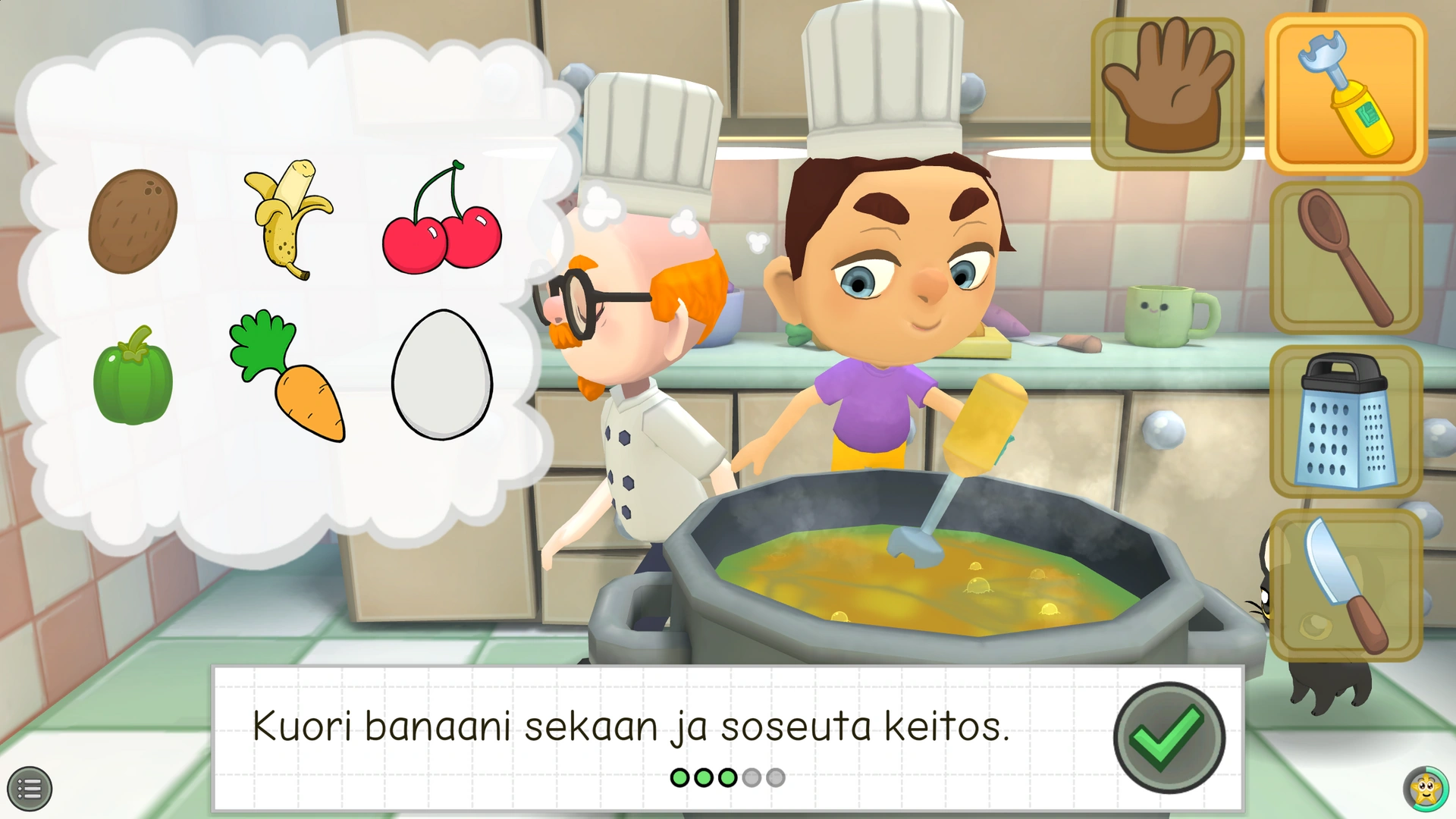
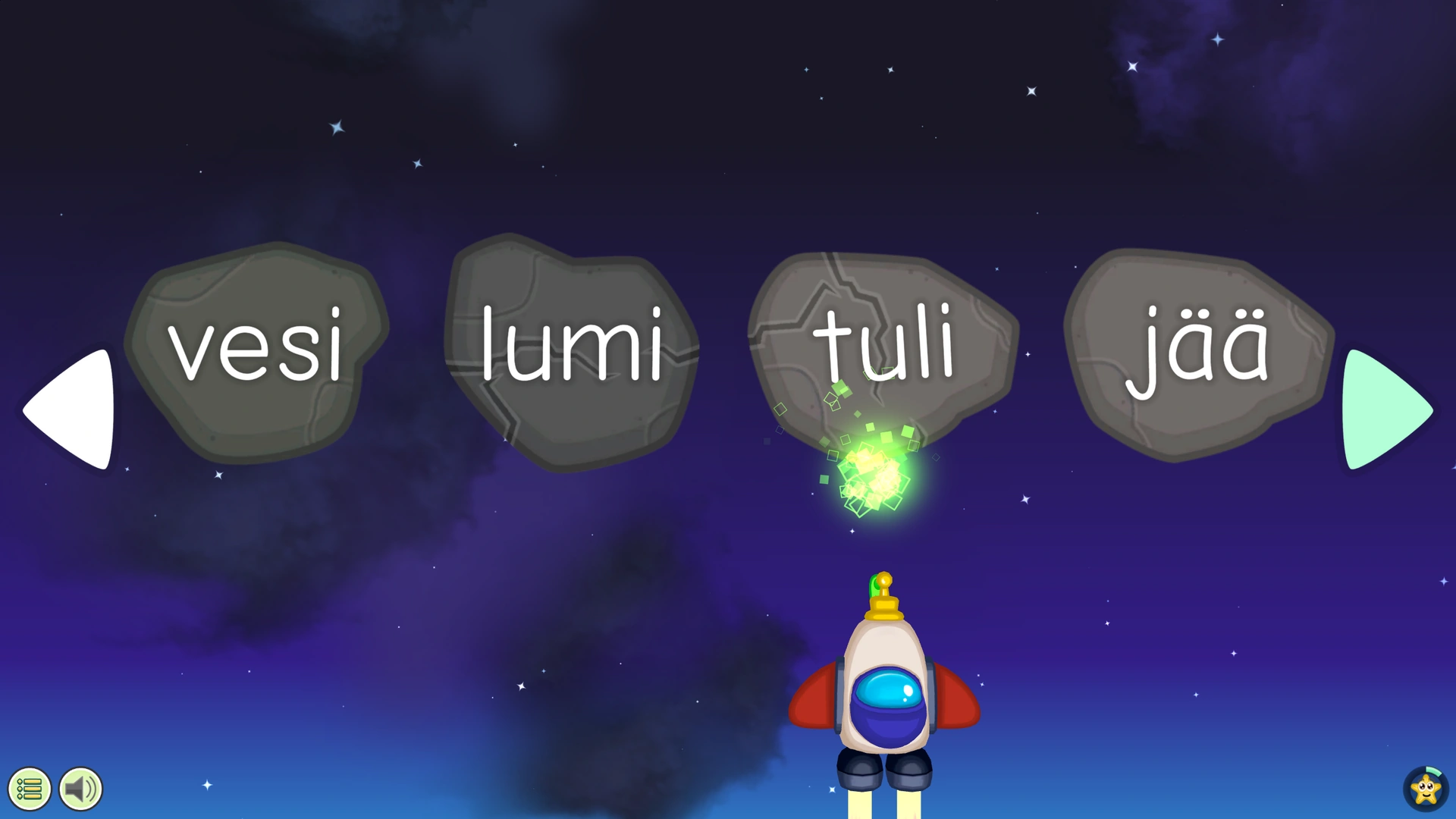
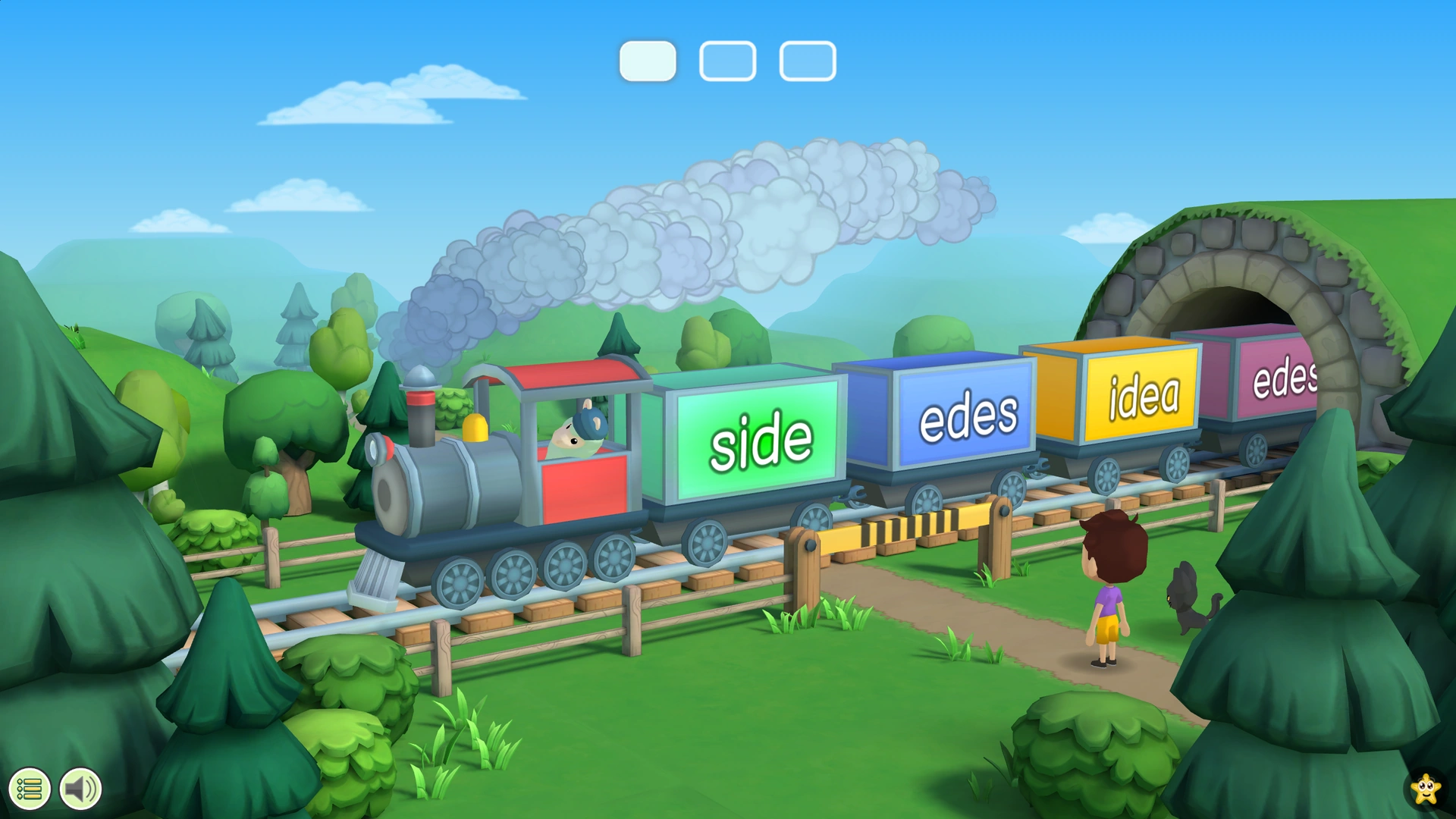


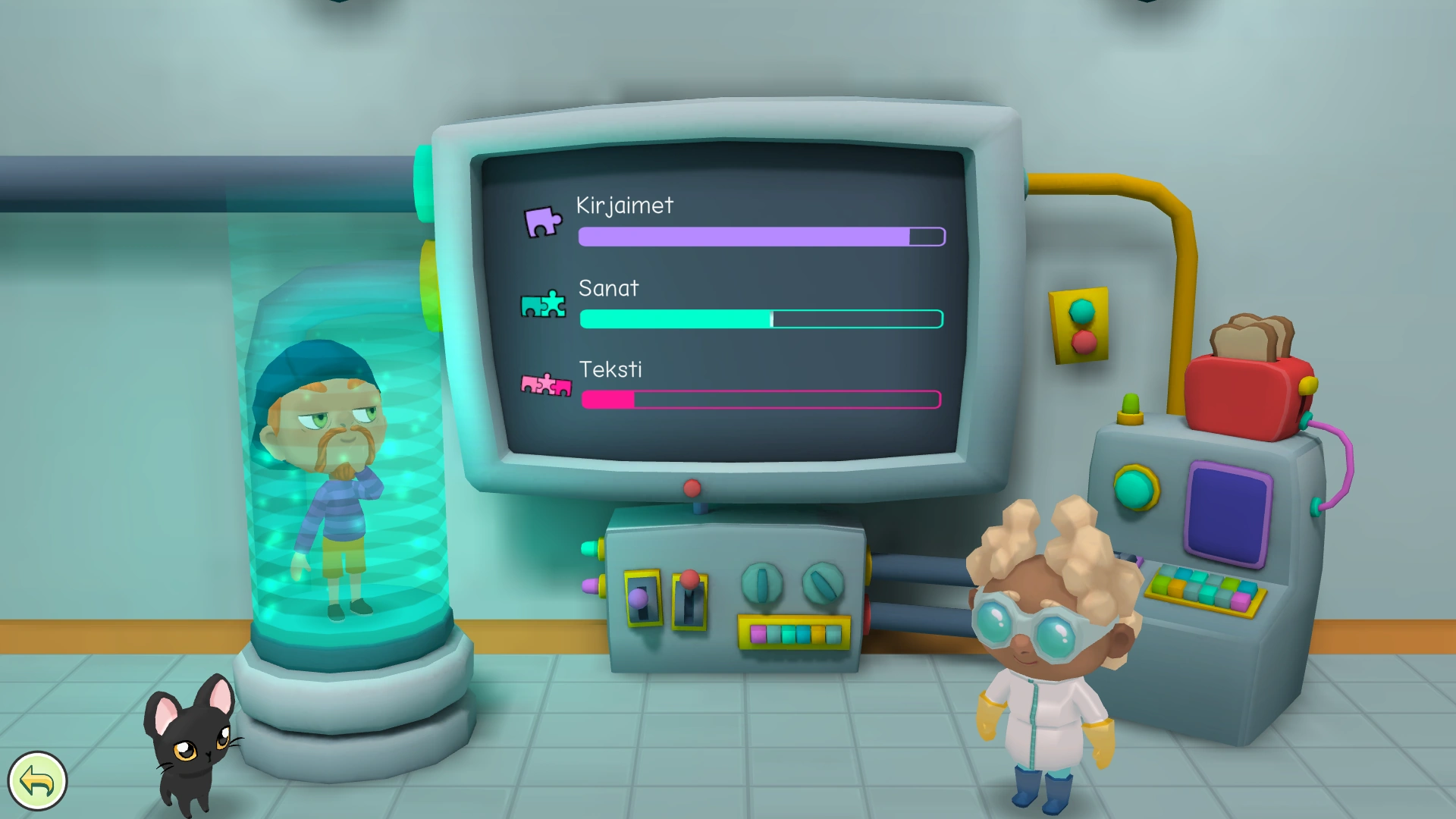
Progress monitor
⬇️ Downloading the game
Game will be available later for mobile platforms (Android and iOS) and desktop PCs (Windows and Mac).
❓️ Frequently asked questions
- What topics does Lukukupla cover?
- Lukukupla has exercises on how to connect spoken speech sounds to written letters as well as spoken words to their written counterparts. The exercises help the player learn the basics of reading and spelling skills first with very short words before gradually moving to longer and/or more complex words with accuracy being a particular priority. Simultaneously, they have been designed to support the development of reading speed. A specific emphasis is placed on the aspects of language and orthography known to be challenging for some learners (for example in Finnish these include coding of short and long sounds, diphthongs and consonant clusters). Gradually, the game proceeds to tasks addressing the basics of reading comprehension such as categorising words by meaning, following short instructions, making inferences, and causal relations.
- Can you choose the exercises manually?
- Exercises cannot be manually chosen, instead the game estimates player skill level and gives appropriate tasks.
- Is the game suitable for pre-school students?
- If the child is interested in learning to read, trying the game is possible. The child should play on their own, so that the assigned learning tasks remain in suitable level of difficulty.
- Is the game suitable for second language learners?
- Lukukupla is applicable to all for practicing technical reading skills.
- Why register a user account and log in?
- Registering a Lukukupla-account and logging in is required in order to play on several devices, e.g. on a mobile phone and a tablet, at school or at home. Game progress synchronizes across the devices. Player avatars can be shared among user accounts, e.g. teacher can share the player avatar to parent user account, facilitating playing at home.
- If Internet-connection is not available or you have only one device, the game can be played fully offline without logging in.
- Player avatars that are created in offline-mode and stored locally on the device can be later transferred to a user account if needed.
- See also the instructions.